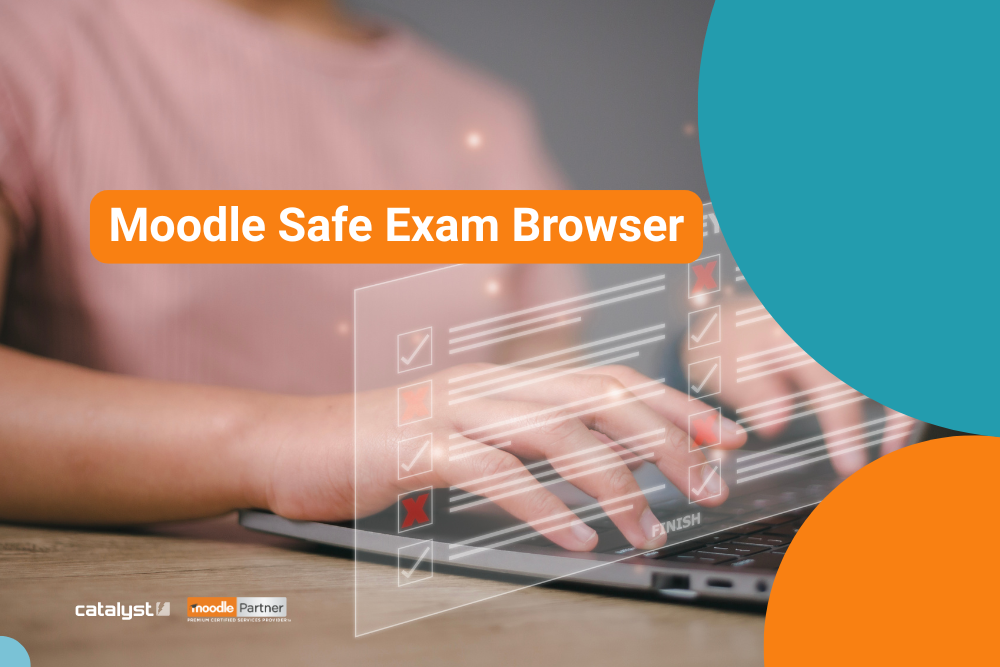
Safe Exam Browser is one of numerous successful collaborative projects involving the Moodle community (in this case 8 universities from Switzerland, Austria and Germany), Catalyst IT and Moodle HQ. The release of Moodle 3.9 in 2020 brought a stronger integration of Safe Exam Browser into Moodle core, and improved the online teaching and learning experience for the entire Moodle community.
How Safe Exam Browser enables e-assessment?
Safe Exam Browser (SEB) allows students complete online assessements safely, and allows teachers to restrict student access to other online materials during the online assessment (e-assessment) period. It’s akin to what Windows users might know as “kiosk mode”.
SEB is used in a wide range of learning institutions, including a growing number of Catalyst clients (universities, colleges and registered training organisations).
In today’s hybrid teaching and learning world, this is a very relevant EdTech capability and tool set.
Configuring SEB in Moodle.
For details on how to configure SEB in Moodle check out this page on Moodle docs.
The main features include:
- restriction of access to quiz by SEB config key
- restriction of access to quiz by browser exam keys
- Moodle administrators can prepare SEB configuration templates for teachers to use when delivering quiz
- teachers have the option of manual SEB configuration, or uploading a pre-built SEB configuration
- each of the SEB settings has a related permission set, providing administrators more granular access control
- students taking a quiz with SEB can be mandated to reconfigure their browser as required
- a configurable link to trigger the download of the required SEB version
Recent contributions to Moodle SEB by Catalyst.
In the last few years, Catalyst have delivered the following improvements to the project:
- New JavaScript API in Safe Exam Browser (SEB) integration (https://moodle.atlassian.net/browse/MDL-72188) – available since Moodle 4.1 and supporting SEB in Moodle for a wide range of user devices.
- New SEB quiz setting capabilities – allowing control of manual and SEB client configurations (https://moodle.atlassian.net/browse/MDL-82659). Moodle administrators now have more flexibility in configuring who and how can configure SEB for quizzes. This change is available since Moodle 4.5.
Further improvements, that are still in progress, include:
- User / group override for quiz SEB settings (https://moodle.atlassian.net/browse/MDL-80945). This feature will provide a way to override SEB settings for specific users/groups, and will likely be available in Moodle 5.3.
Other useful links:
Acknowledgements:
We’d like to thank everyone who has contributed to the project. And a very special thank you to ETH Zürich and Bern University of Applied Sciences, who initiated the project, created user stories and wireframes, implemented plans and specifications, and lead the search for more funding partners.
Learn more about the project on Moodle’s website here.
Other examples of community driven Moodle innovations include: the Question Bank project and the Multi-marker Project.
Moodle is the world’s leading Learning Management System (LMS) and an open source software success story. It’s used everywhere from primary school’s in the developing world to some of the most prestigious Universities around the world. Thanks to the power of community behind the Moodle project, innovations such as the above are possible, and can be delivered and maintained efficiently, and at scale.